 Amoxtli
Free and open source, for Mac
Markdown, the way it should look
Amoxtli is a native Markdown viewer for Mac. Open a file or a whole folder and read it properly formatted, with nothing to set up.
brew install --cask k4rmakoma0/tap/amoxtliRequires macOS 27.

Browse a whole folder of notes
Open a folder to see its Markdown files, including those in subfolders, grouped by folder. Pick one and start reading.
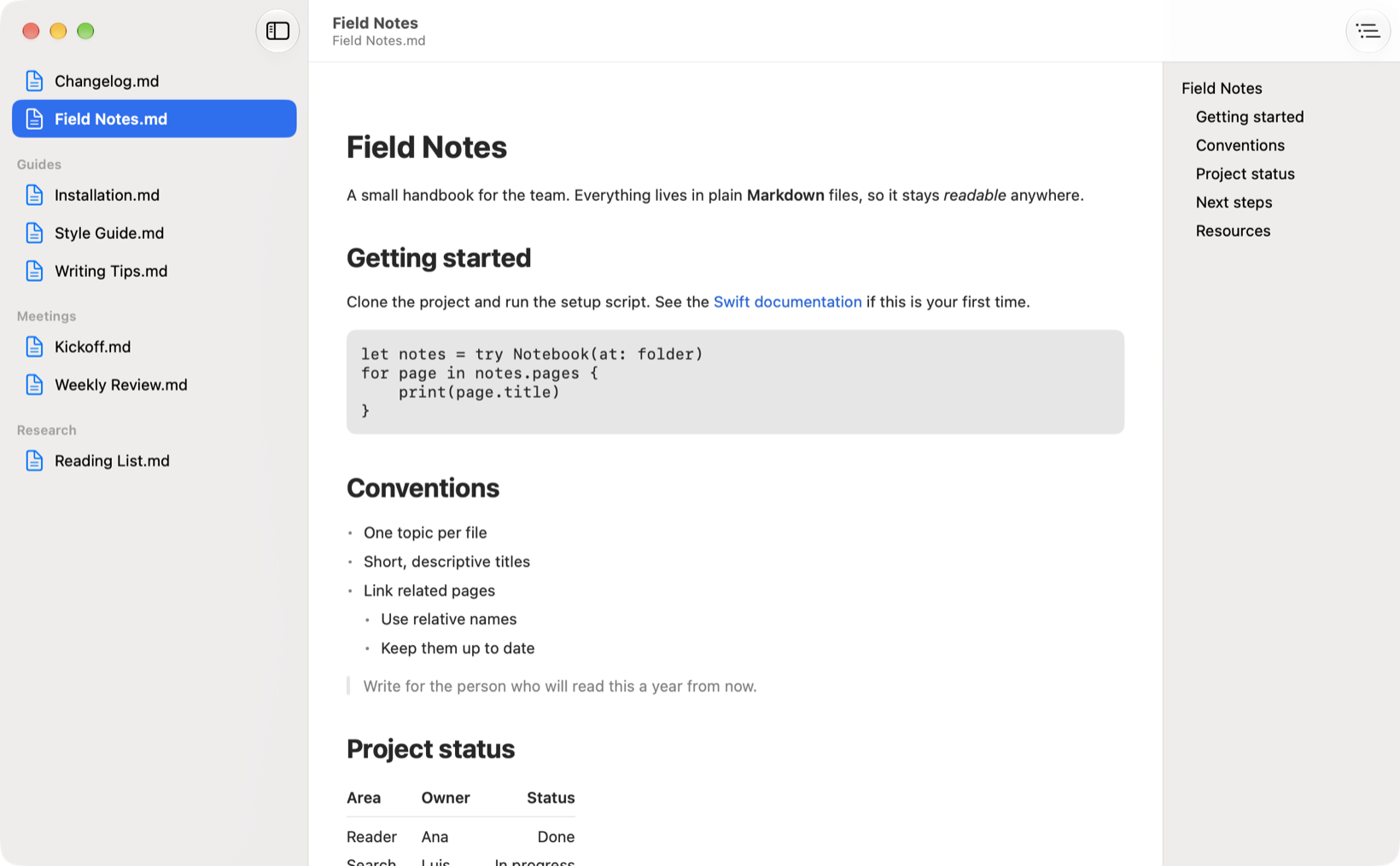
See where a link goes before you open it
Hover over a link to see its full URL. Amoxtli warns you before it opens an unfamiliar site, or when a link’s text names a different site from the one it goes to.
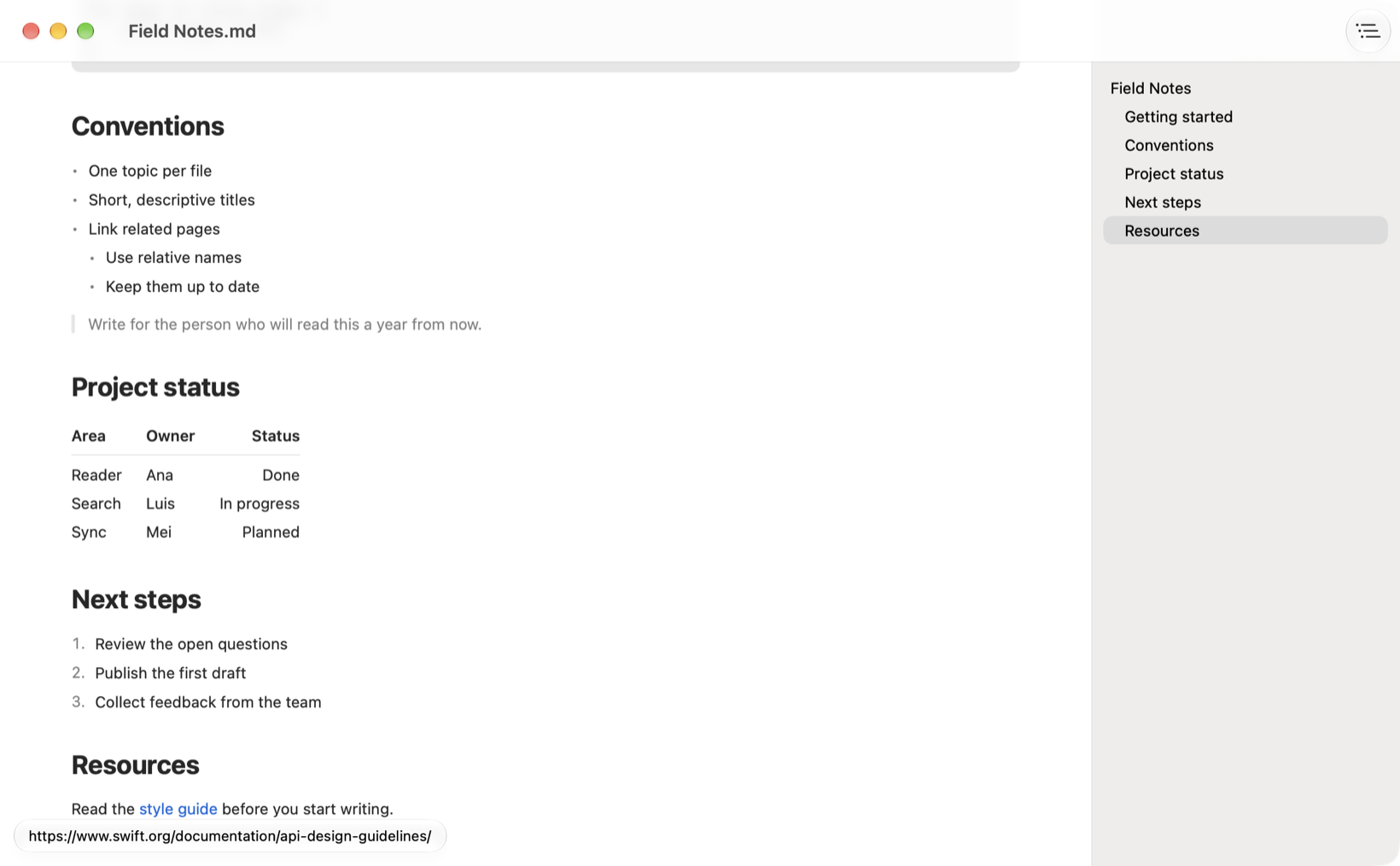
Table of contents
Built from the document’s headings. Click an entry to jump to that section.
Everything in its place
Nested lists, quotes, code blocks, tables, strikethrough, and remote images.
Light and dark
Follows your system appearance and your accent color.
Read-only
Amoxtli never changes your files, so you can open anything without worry.
Private
No accounts, ads, or tracking. It only goes online to load images in your documents.
In your language
Available in 11 languages, with support for VoiceOver.
Get Amoxtli
Free in every channel, and built from the same source code.
Homebrew
Install and update it from the terminal.
brew install --cask k4rmakoma0/tap/amoxtliDirect download
A notarized app from GitHub Releases. Unzip it and move it to Applications.
Latest releaseMac App Store
Coming soon.
Support Amoxtli
Amoxtli is free and open source. If you find it useful, you can buy me a coffee to support its development.
Buy me a coffeeAmoxtli means “book” in Nahuatl.